
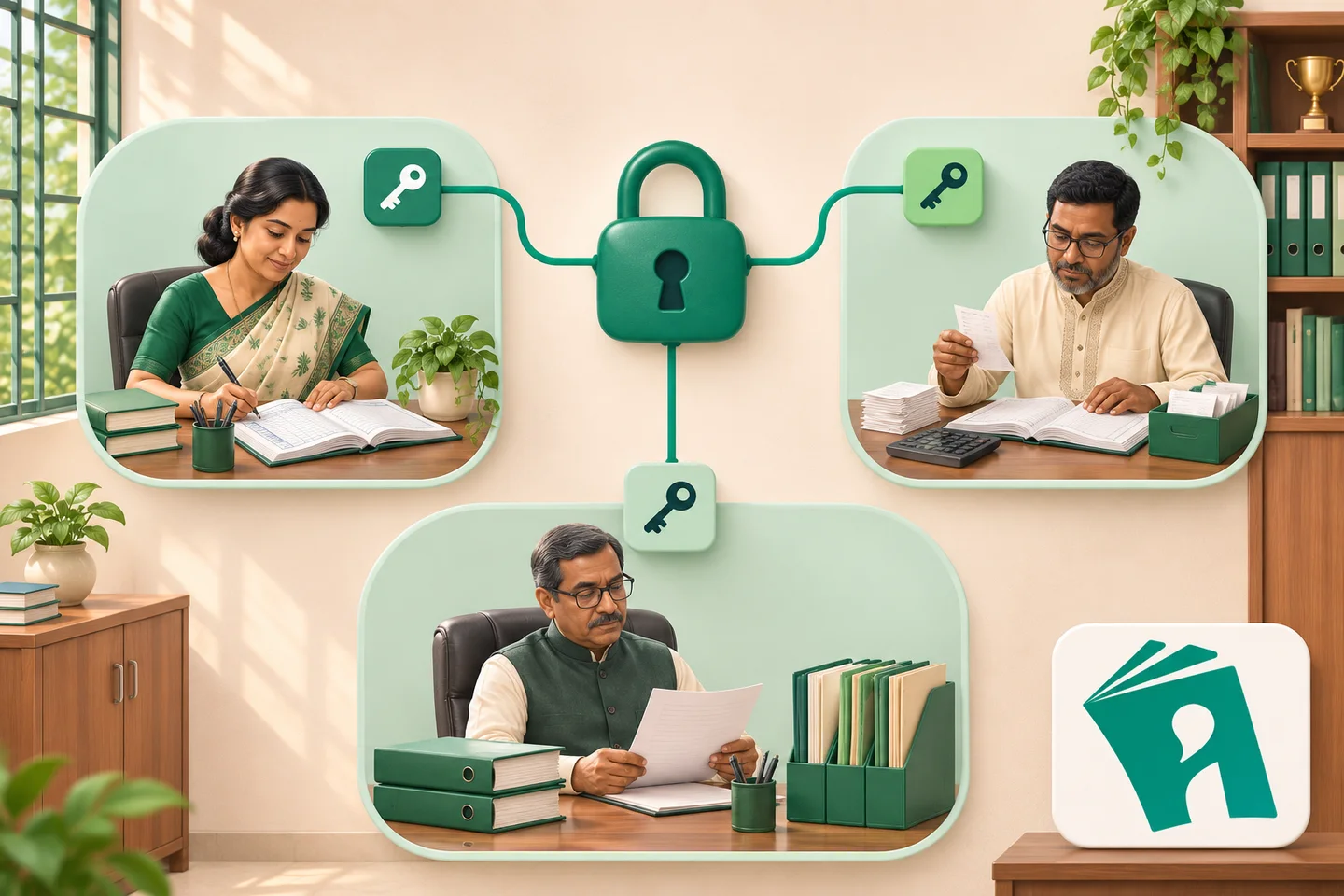
The rule for distributing software access: role-based permissions — who sees what, who edits what — fixed in a written matrix, then applied in the system. Starting by making everyone admin is the most common mistake — corrections become impossible, duty stays unclear, and sensitive data (fees, discipline) opens up to everyone.
A sample role matrix
| Role | Can see | Can edit | Cannot see |
|---|---|---|---|
| Head/muhtamim | all reports | decision data | — |
| Accountant | fees, ledger, reports | fee entries, receipts | teaching details |
| Teacher | own class’s attendance-marks | attendance, mark entry | other classes, fees, discipline |
| Guardian (app) | own child’s attendance-fees-results | nothing (view only) | other students |
| Office assistant | admission data | admission entry | fee balances |
Access roles: workflow steps and limitations
- The matrix first on paper — per designation one line of “see/edit/cannot see”.
- Apply minimum-privilege when building roles: no more than the work requires.
- Ban account sharing — per person their own; otherwise “who did it” is never knowable.
- Deactivate accounts on exit/transfer — a live account is the biggest risk.
- Limitation: many roles complicate the matrix — re-read it every six months.
Access: questions to ask before your demo
- Are roles customisable (down to class-level access)?
- Is an entry history kept (who changed what)?
- How is it guaranteed guardians cannot see other students?
See the role structure and access rules; the data-protection layers on the security page, and terminology in the glossary.
Access FAQ
How many roles are enough?
3–5 typically: admin, accounts, teacher, guardian (+office assistant). More roles breed confusion.
How to verify a teacher cannot see another class’s attendance?
Test with two teacher accounts in the demo — check whether one can see the other’s class.
The admin password is lost?
A written recovery process should exist with the vendor — ask in the demo; a single admin account is a risk.